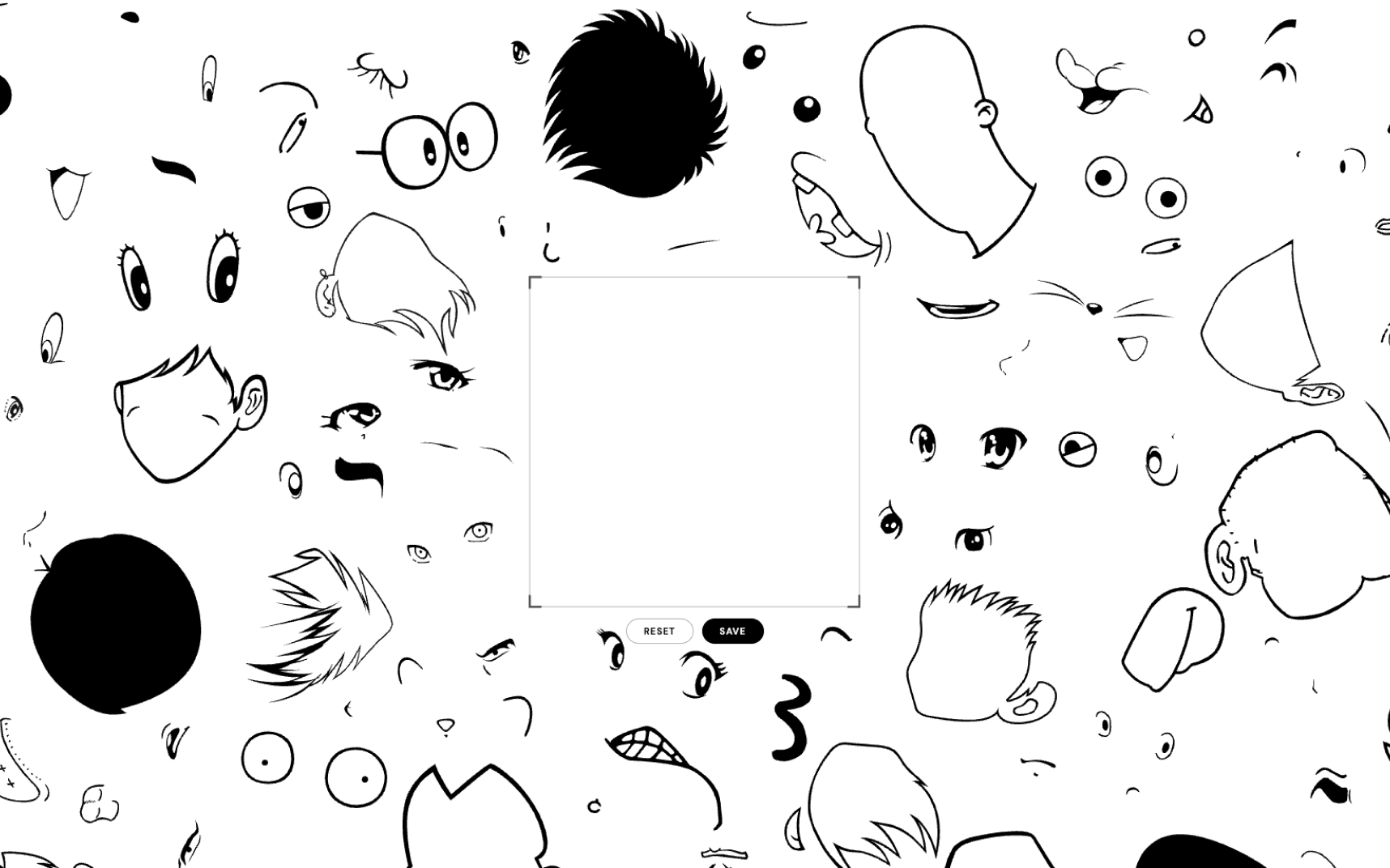
2010年につくった《Original Character Maker》はFlashでできていました。Flashのサポートが終わった時点で、この作品を体験できる場所はなくなっていました。作品の問いはそのままに、現代の言語で書き直したのがこのバージョンです。
three.jsで一から組み直し、マウスでもタッチでも同じように扱えるようにしました。散らばったパーツを掴んで動かし、回し、拡大縮小して顔をつくる。できたものは枠内をそのままキャプチャして保存できます。
手間がかかったのは作品のロジックよりも、パーツの初期配置でした。散らかり方そのものが作品の見え方を決めるのに、座標をコードに書き続けるのは現実的ではありません。そこで、ブラウザ上で実際に見ながら並べ、レイアウトデータとして書き出す管理画面を自作しました。
SVGをドラッグ&ドロップで読み込み、ドラッグで移動、⌘+ドラッグで拡大縮小、⌥+ドラッグで回転。細かい調整はプロパティパネルで数値指定します。Exportで書き出したデータを、作品側が読み込みます。
Original Character Maker, made in 2010, was built in Flash. Once support for Flash ended, there was no longer anywhere to experience the piece. This version keeps the question the work was asking and rewrites it in a language of the present.
It is rebuilt from scratch in three.js, and works the same way with a mouse or a touchscreen. You grab the scattered parts, move, rotate and scale them into a face, then capture whatever sits inside the frame.
The real work was not the logic of the piece but where the parts start. The way they are scattered is what the work looks like, and writing those coordinates into the code by hand was never going to hold. So I built a screen where I could arrange them while actually looking at them, and export the result as layout data.
SVGs are loaded by dropping them in. Drag to move, Cmd-drag to scale, Alt-drag to rotate, with the properties panel for exact numbers. Export writes the arrangement out, and the piece reads it back in.