Pixel Art Generator
2025/12 Pixel Art Generator
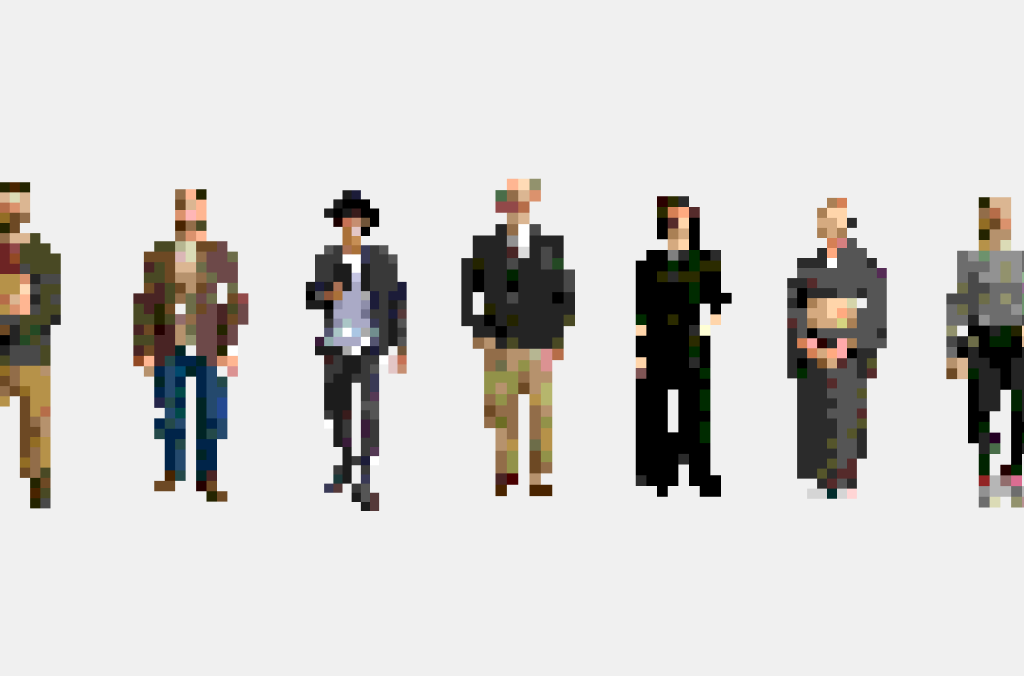
People Researchのプロダクトデザインにおいて、UIやプレゼンテーション用のビジュアルアセットとしてピクセルアートを制作する必要がありました。既存のツールでは、写真からピクセルアートへの変換・色数やトーンの調整・その場での手描き修正といったワークフローを一つの画面で完結させることが難しく、制作プロセスに非効率が生じていました。
この課題を解決するために、自分自身のデザインワークフローに最適化したブラウザベースのツールを設計・開発しました。
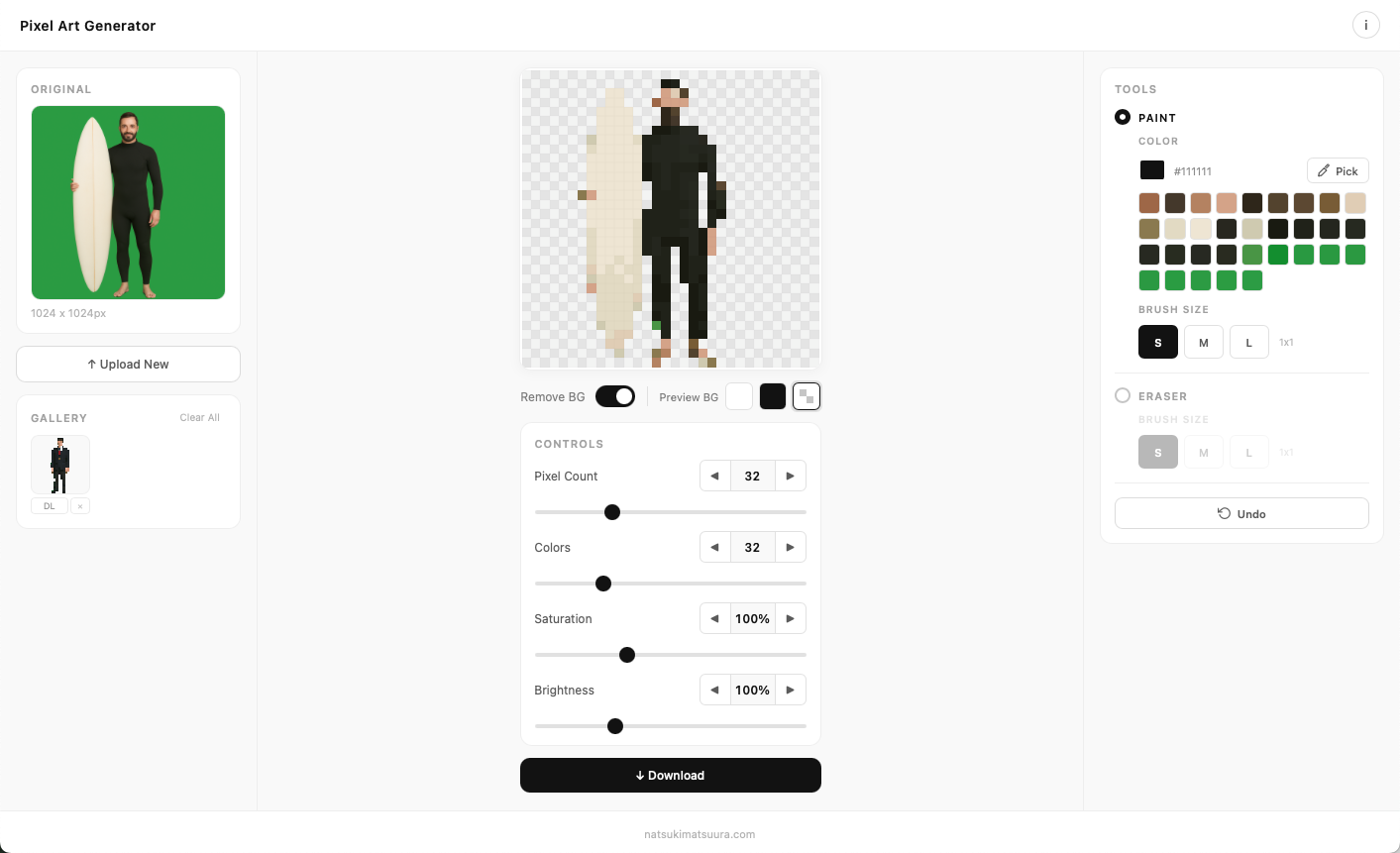
画像をアップロードすると、ピクセル解像度・色数・彩度・明度をリアルタイムで調整しながらピクセルアートに変換できます。変換後はペイント・消しゴムツールやスポイトによる直接編集が可能で、背景透過の切り替えやPNG書き出しまでをひとつのインターフェースで完結します。編集履歴も保持されるため、複数のバリエーションを比較しながら作業を進めることができます。レスポンシブ対応により、デスクトップ・モバイルの両環境で動作します。
LINK
Pixel Art Generator
While designing the UX for People Research, I needed to produce pixel art visuals for use in UI mockups and presentations. Existing tools couldn’t handle the full workflow — converting photos to pixel art, fine-tuning color count and tonal balance, and making hand-painted corrections — within a single, streamlined interface. This gap was creating friction in my design process.
To solve this, I designed and built a browser-based tool optimized for my own creative workflow.
Users upload an image and convert it to pixel art with real-time control over pixel resolution, color count, saturation, and brightness. After conversion, the artwork can be directly edited using paint and eraser tools with an eyedropper for color picking. Background transparency can be toggled on or off, and the final output is exported as PNG — all within one unified interface. An edit history feature allows users to compare multiple variations side by side. The tool is fully responsive across desktop and mobile.