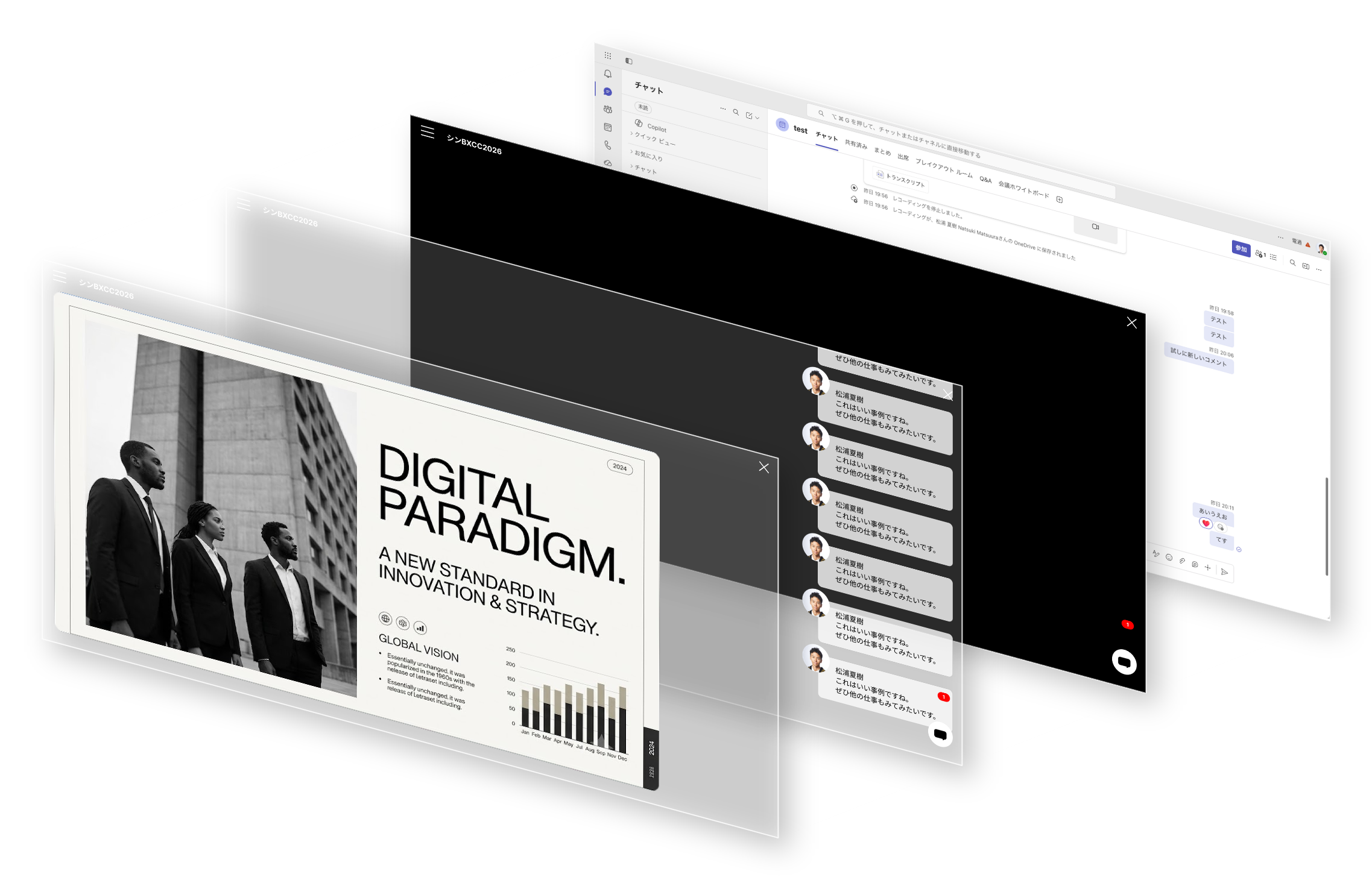
Teams で画面共有しながらプレゼンすると、純正ツールバーやUIが映り込んで邪魔になりがちです。
Teams Presenter は、Teams の画面内にPowerPoint Onlineの埋め込みスライドを小窓で浮かべ、ドラッグ移動・四隅リサイズ・矢印キーでの送り・経過時間タイマーを提供します。Teams が innerHTML を禁止している(Trusted Types)ため、DOMは createElement だけで安全に構築。共有画面をすっきり保ったまま発表できます。
Presenting over a Teams screen share often means the native toolbar and UI creep into view.
Teams Presenter floats an embedded PowerPoint Online slide in a small window inside Teams, with drag-to-move, corner resizing, arrow-key advancing, and an elapsed-time timer. Because Teams forbids innerHTML (Trusted Types), the DOM is built safely with createElement only — so you can present while keeping the shared screen clean.